
Original vector illustrations
Christmas Coloring Pages
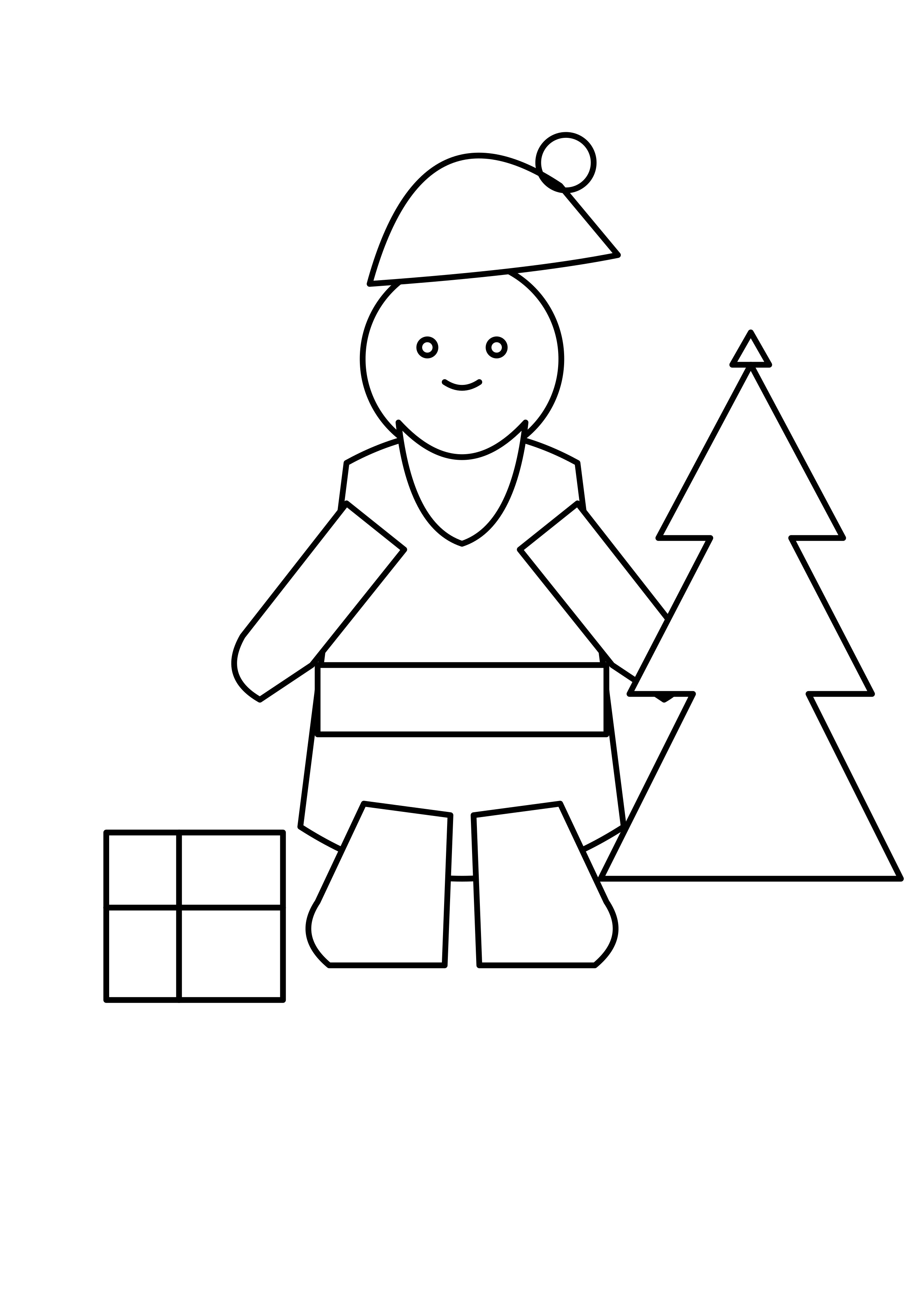
These Christmas coloring pages are original black line illustrations made for simple home printing. Pick a favorite holiday subject, print it on A4 or US Letter paper, or open it in the online coloring tool.
Showing 12 original pages. PDFs are sized for A4 and US Letter paper.
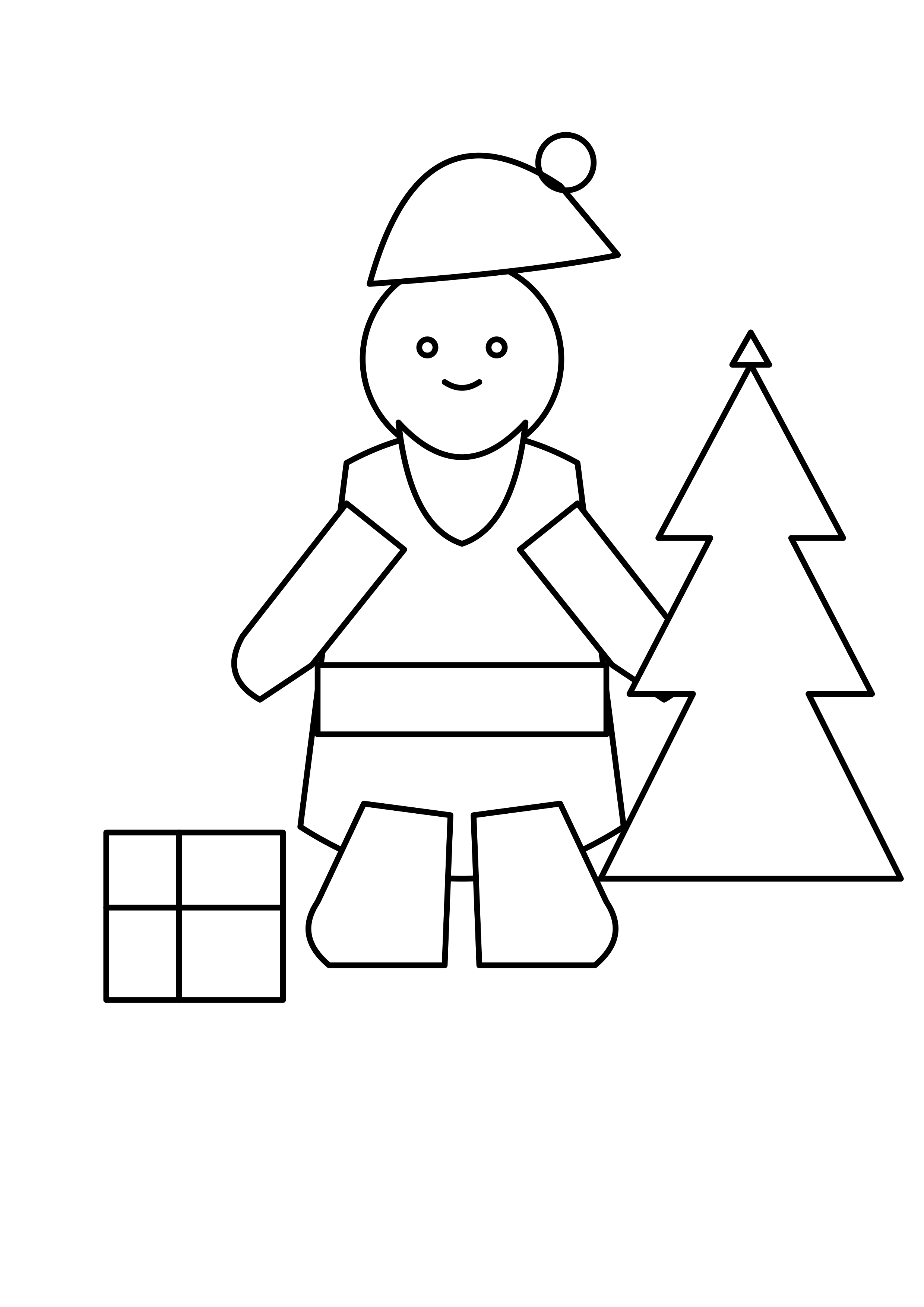
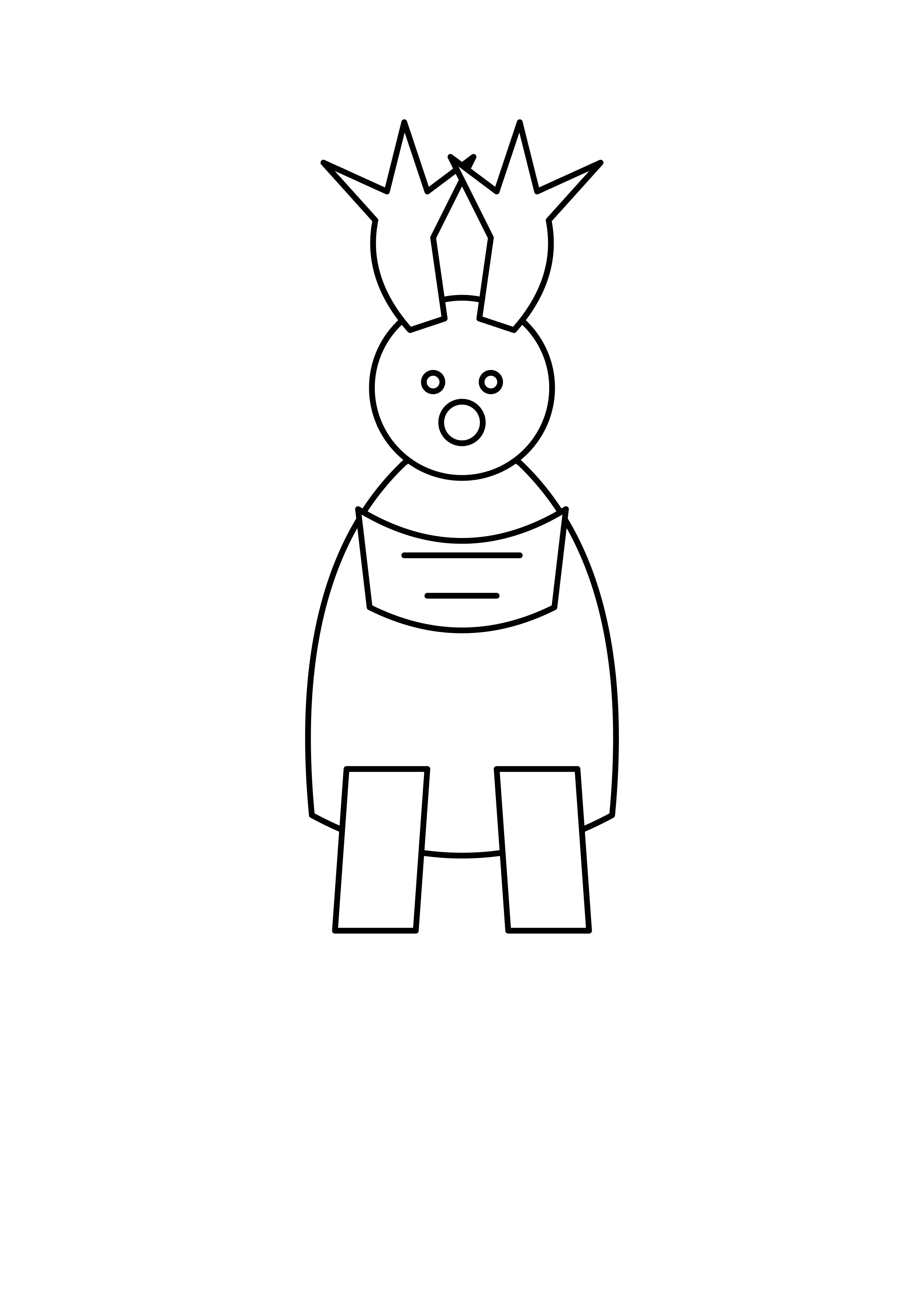
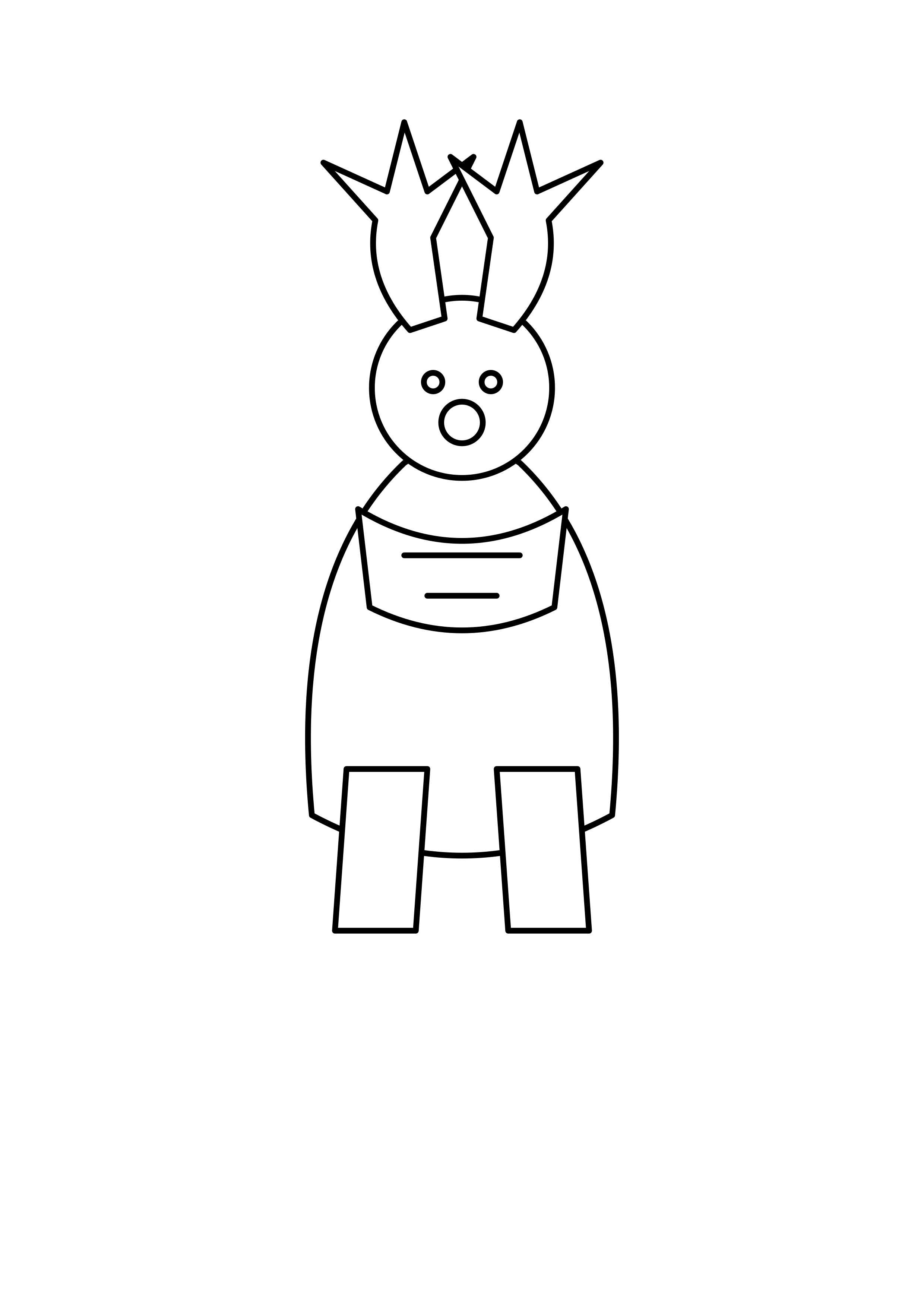
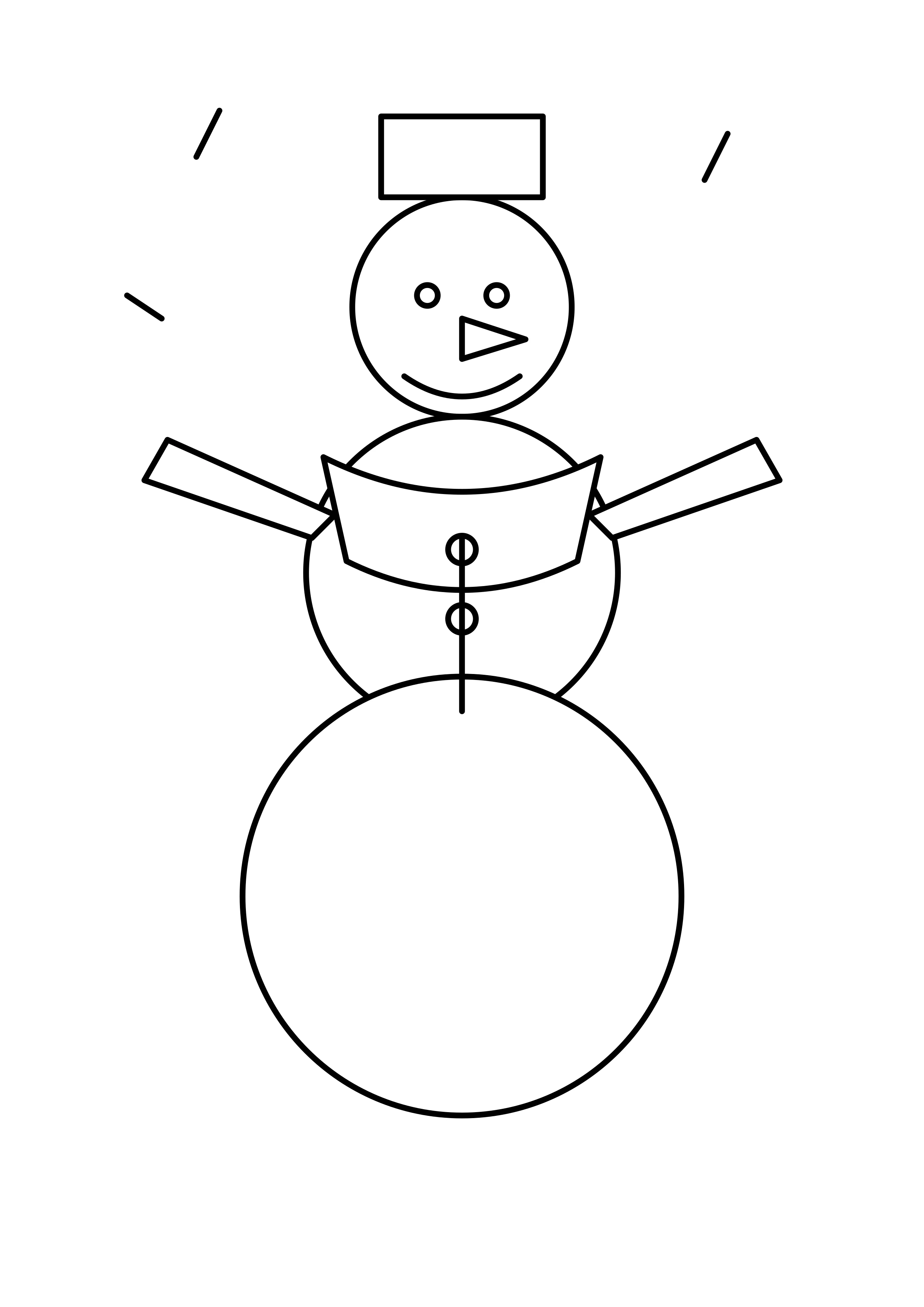
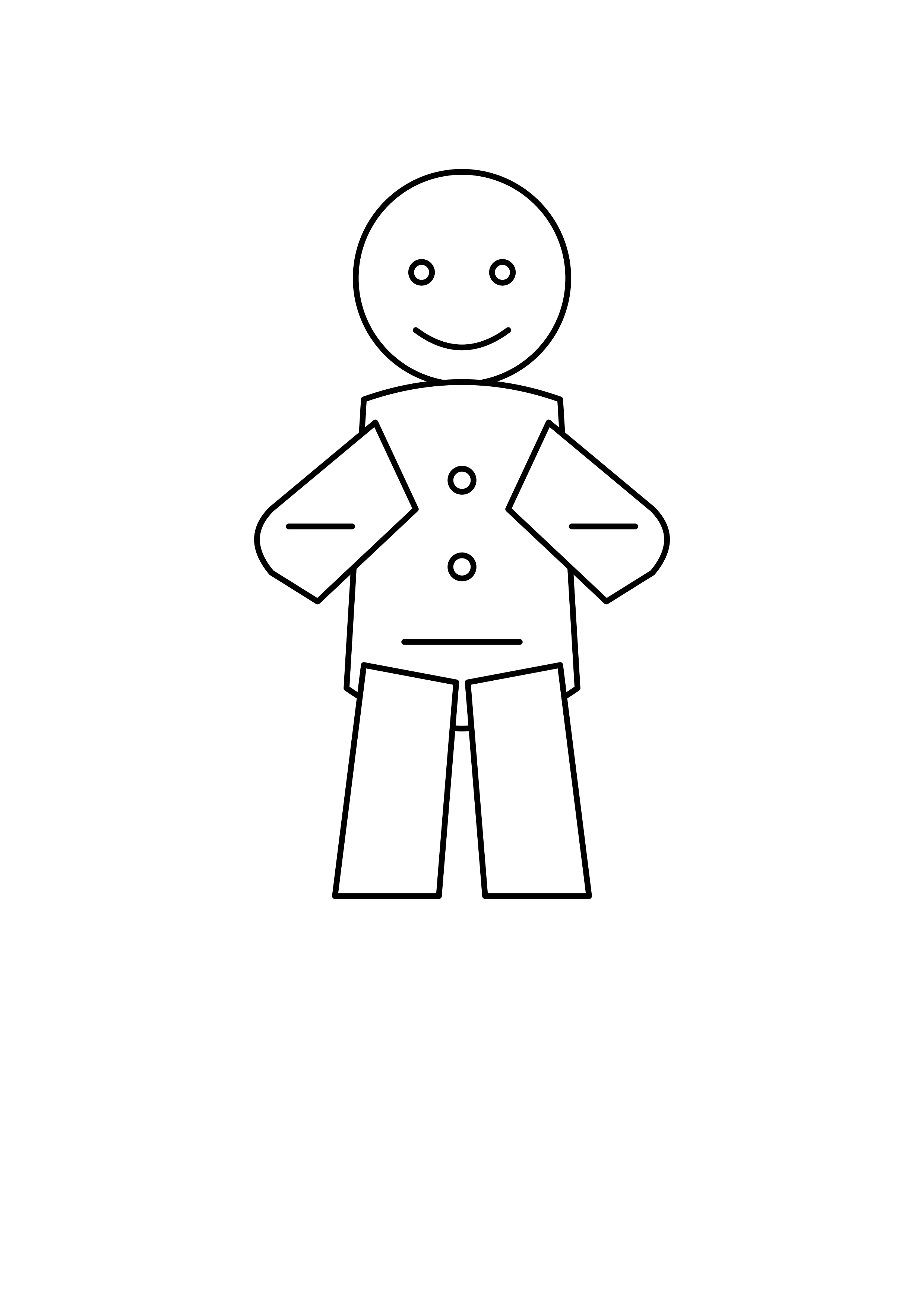
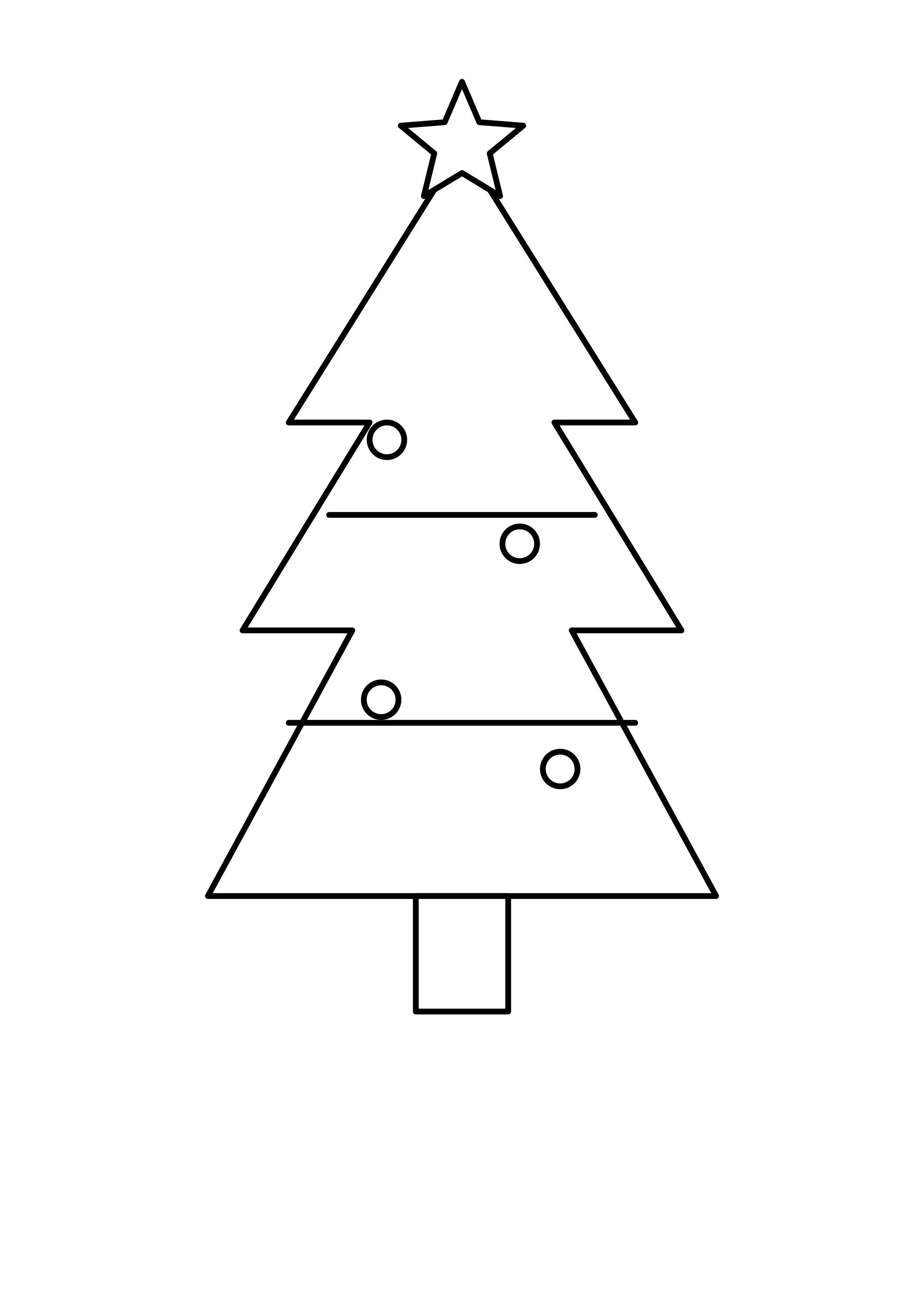
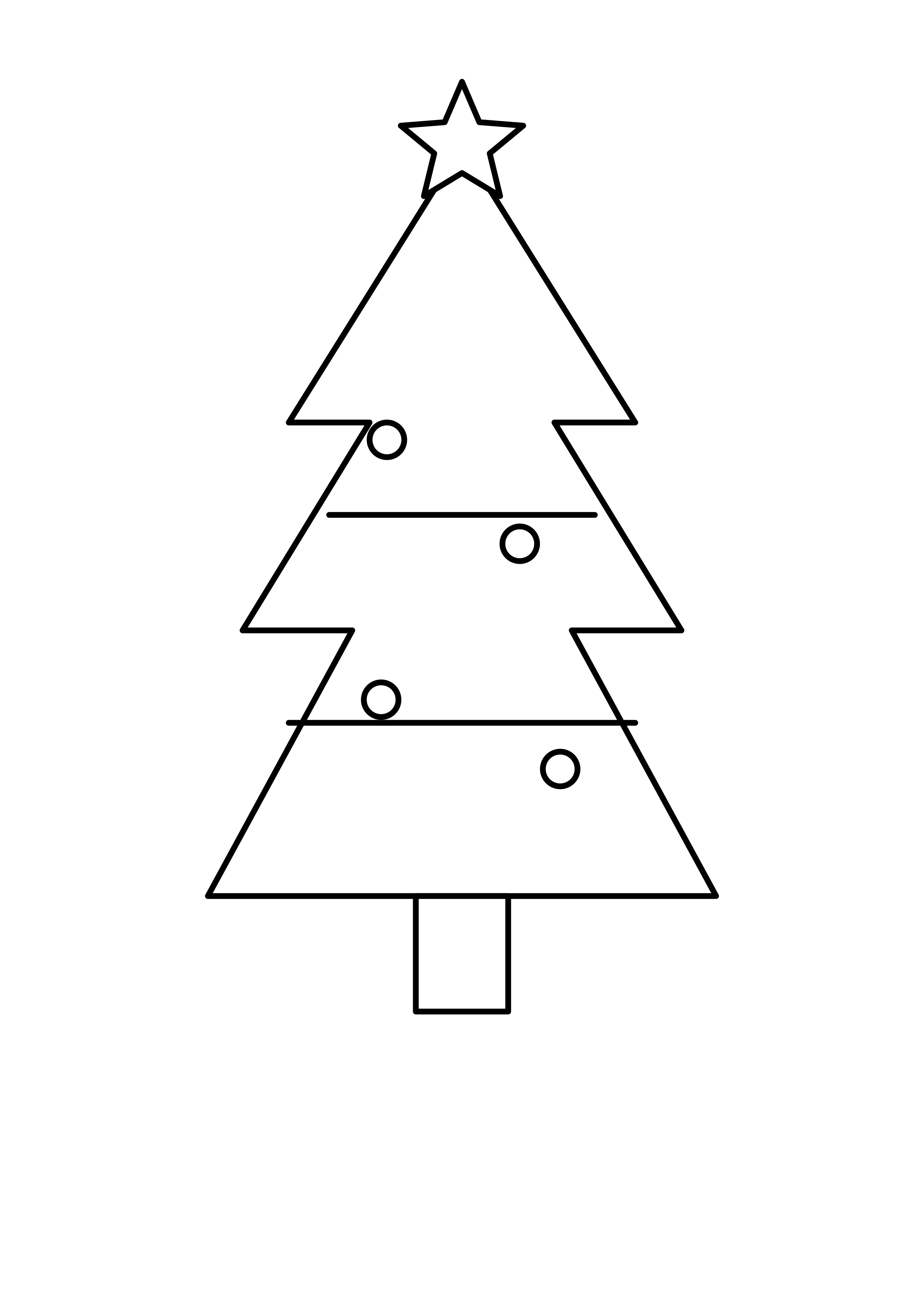
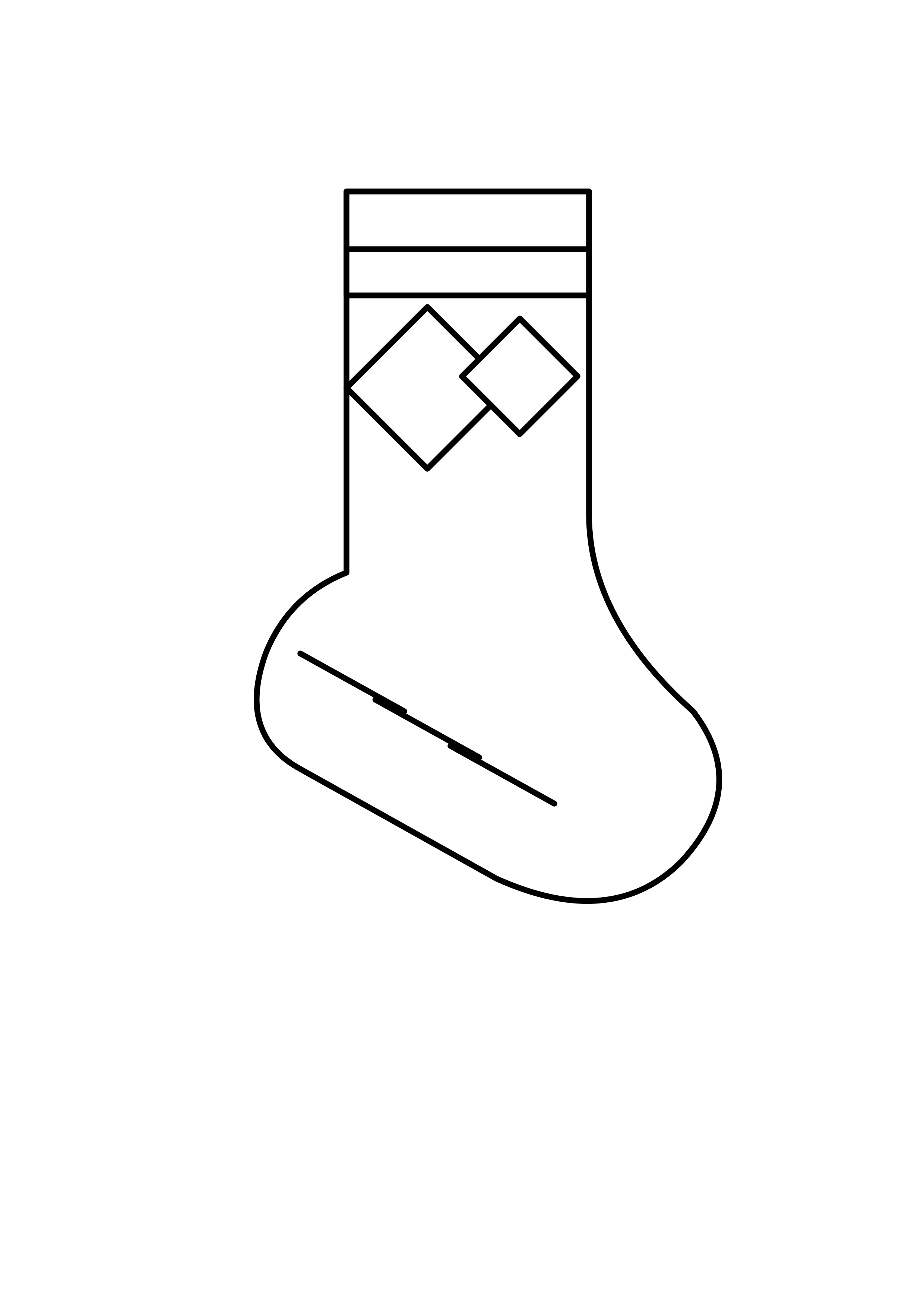
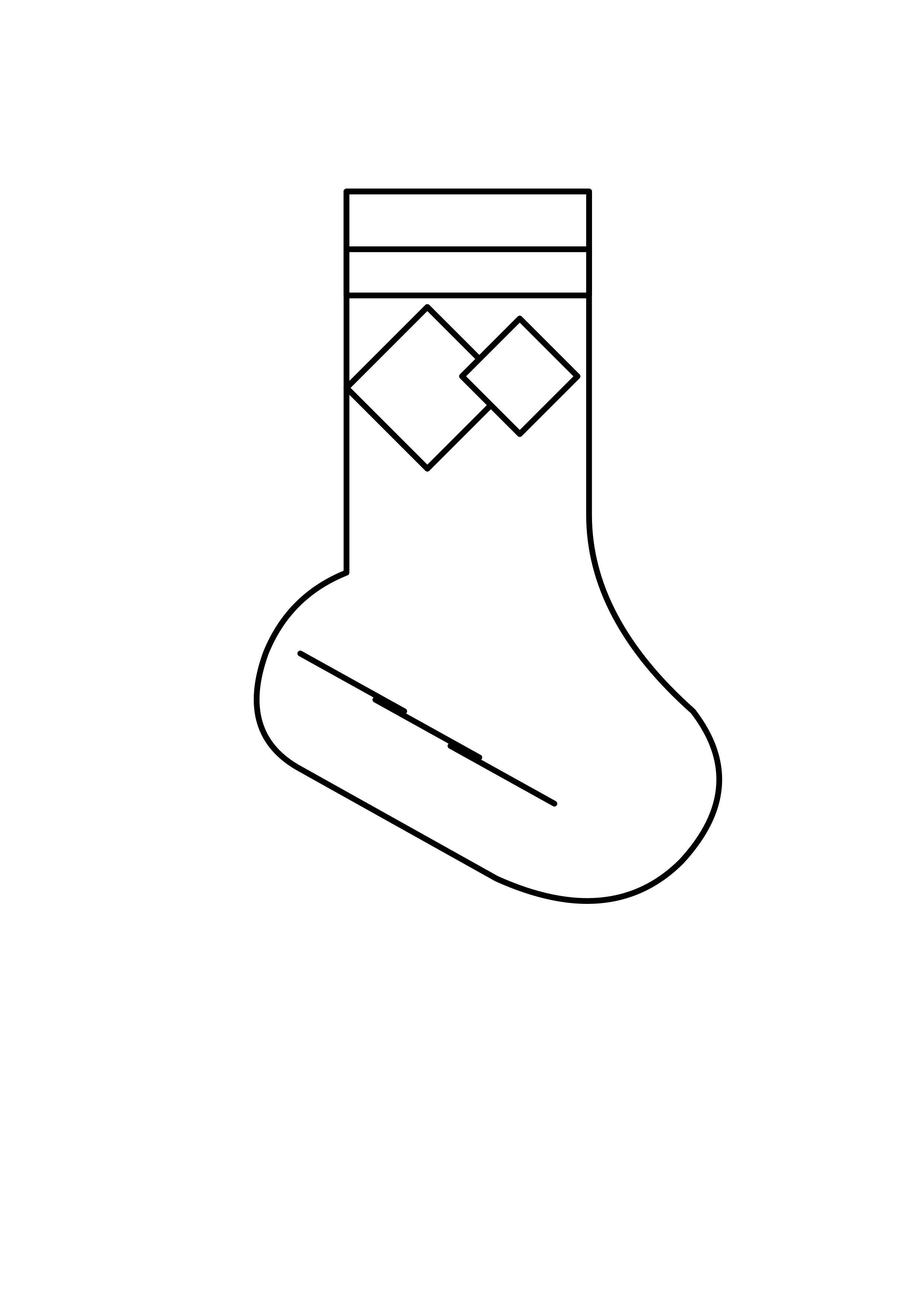
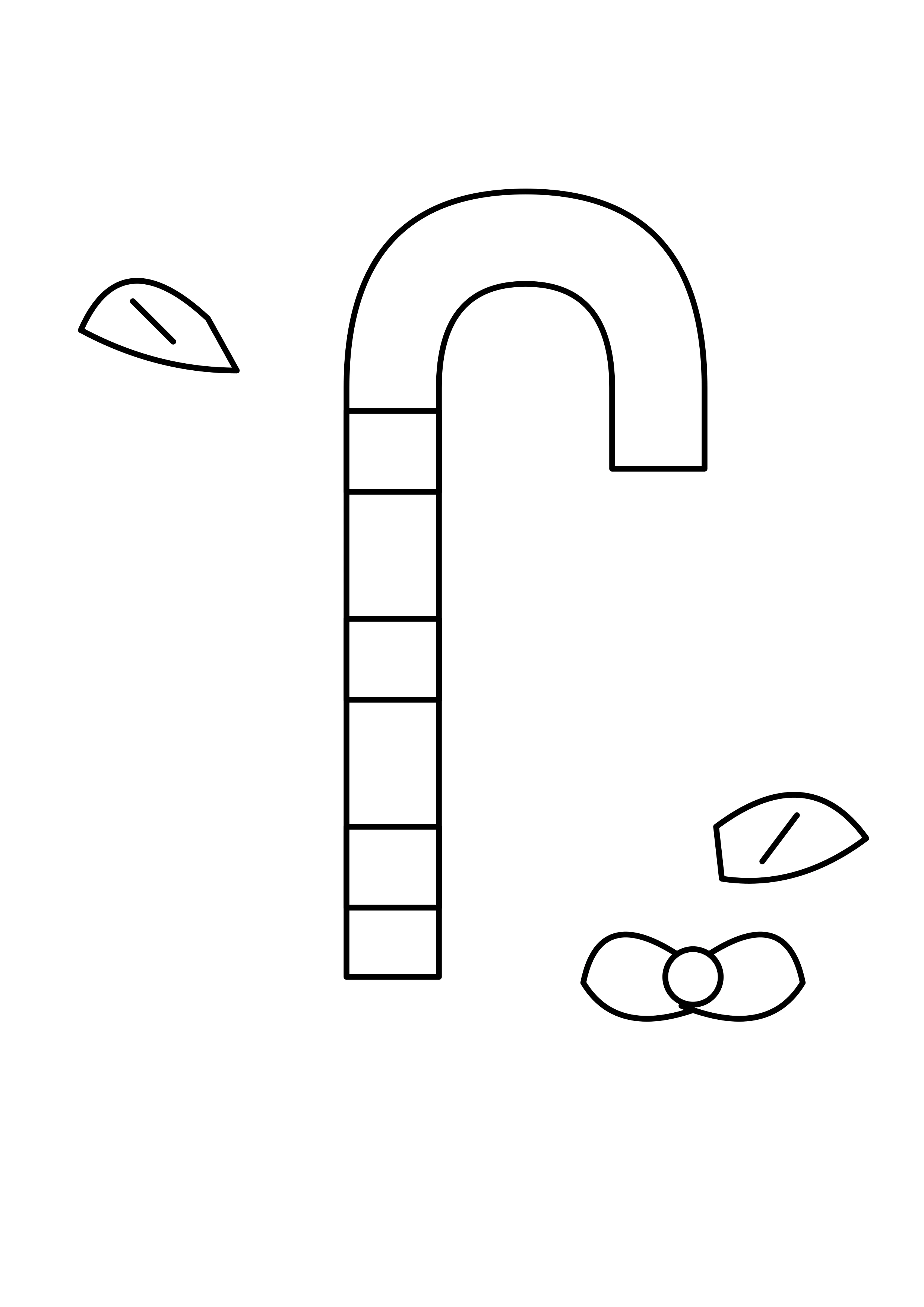
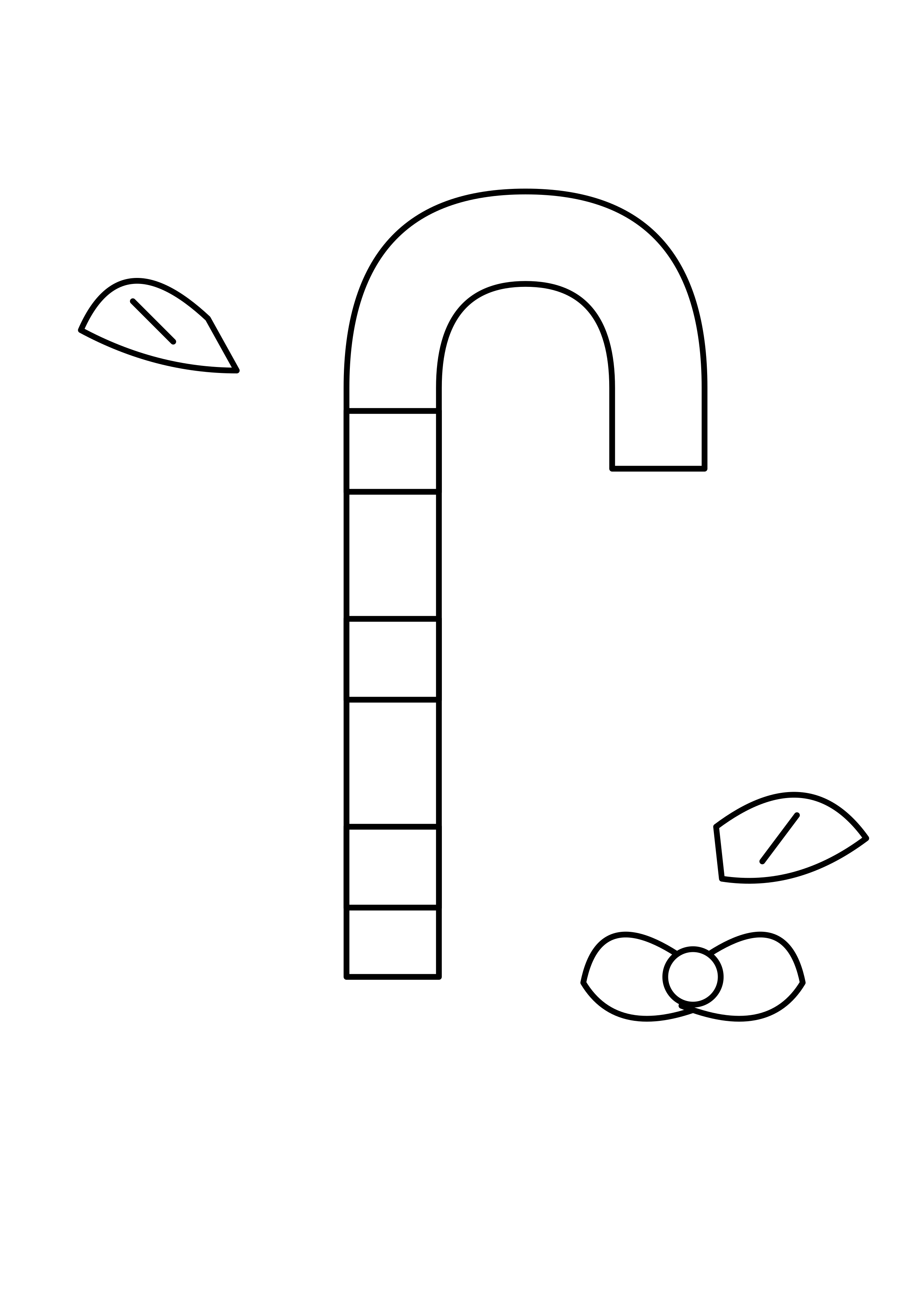
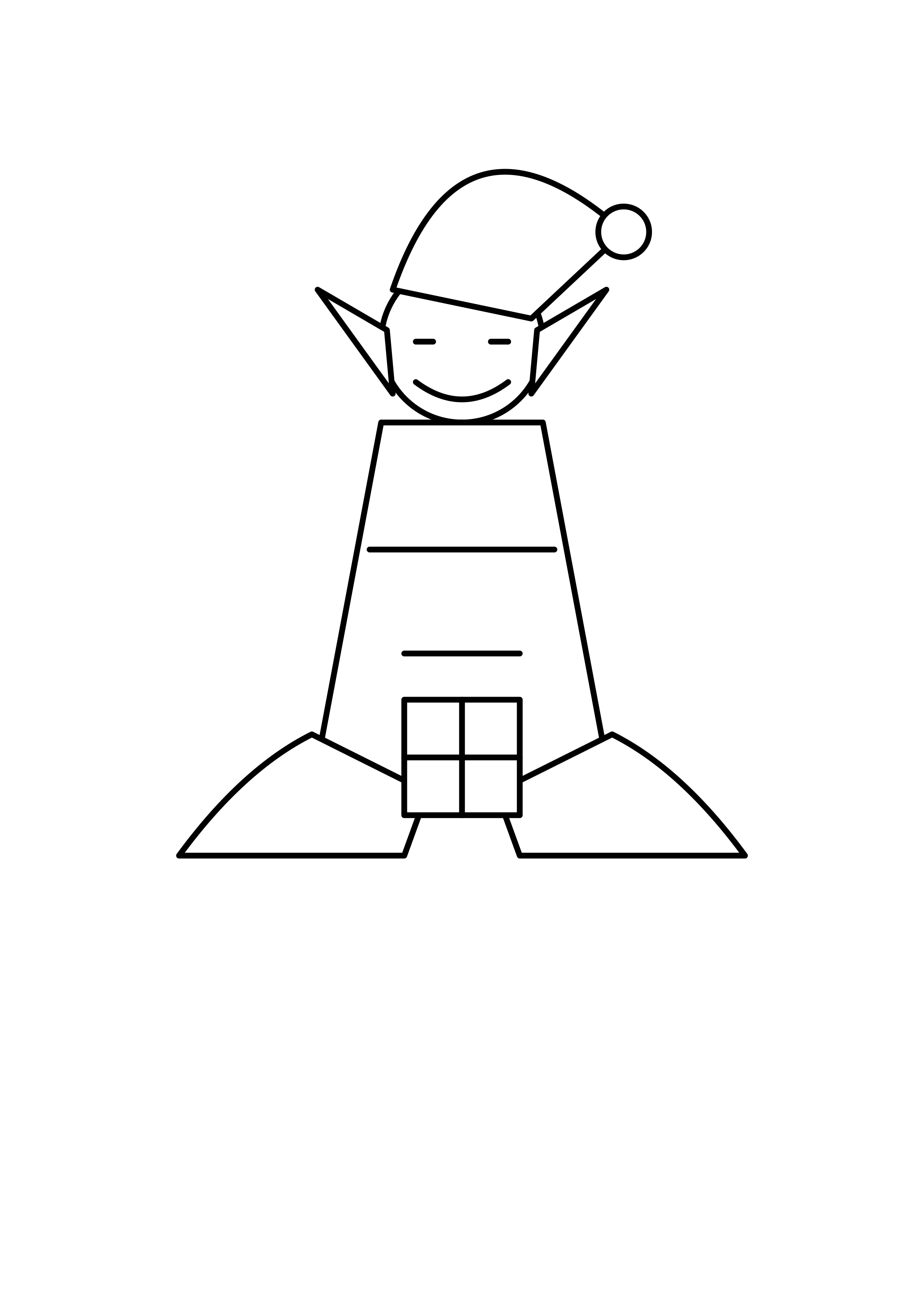
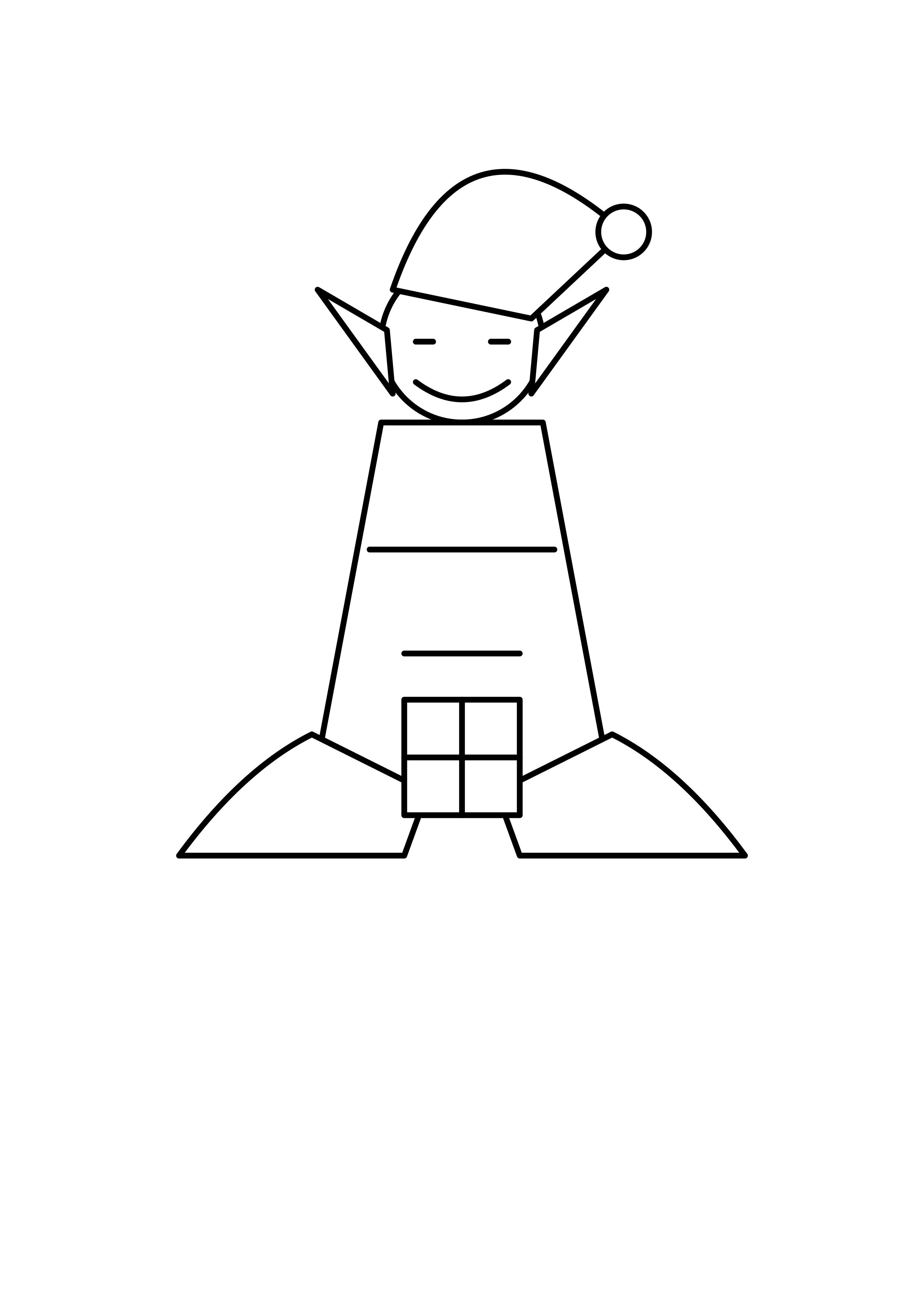
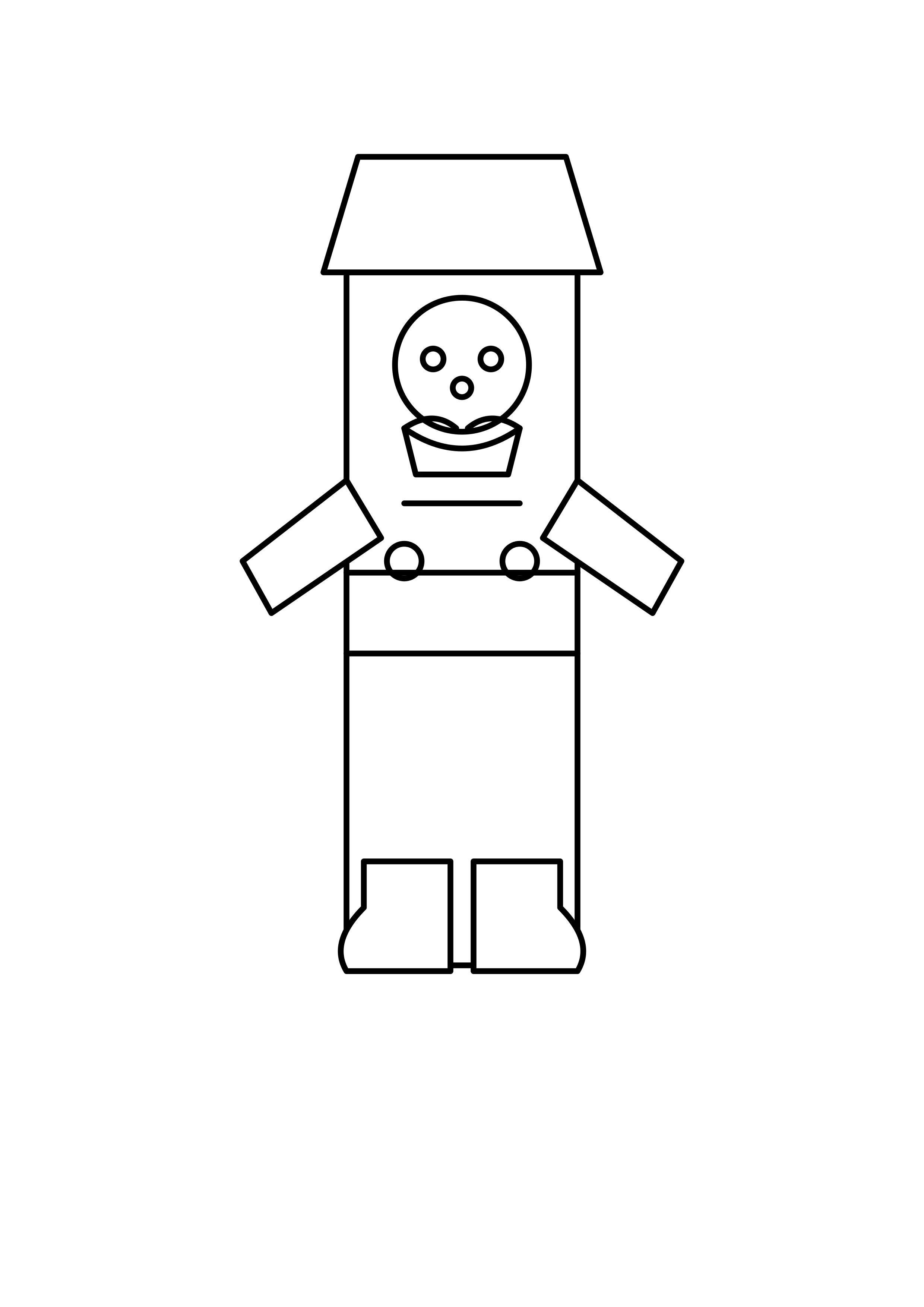
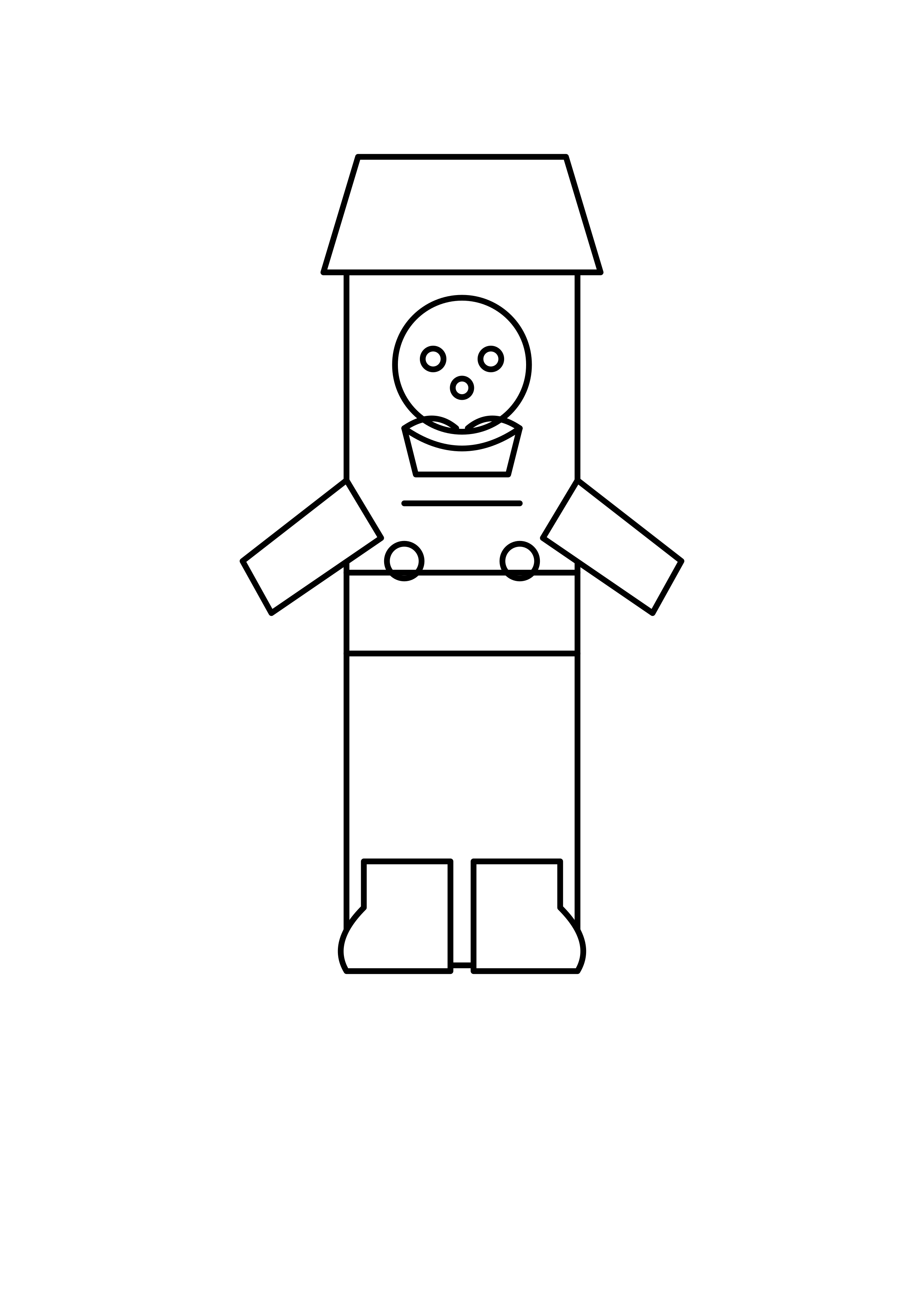
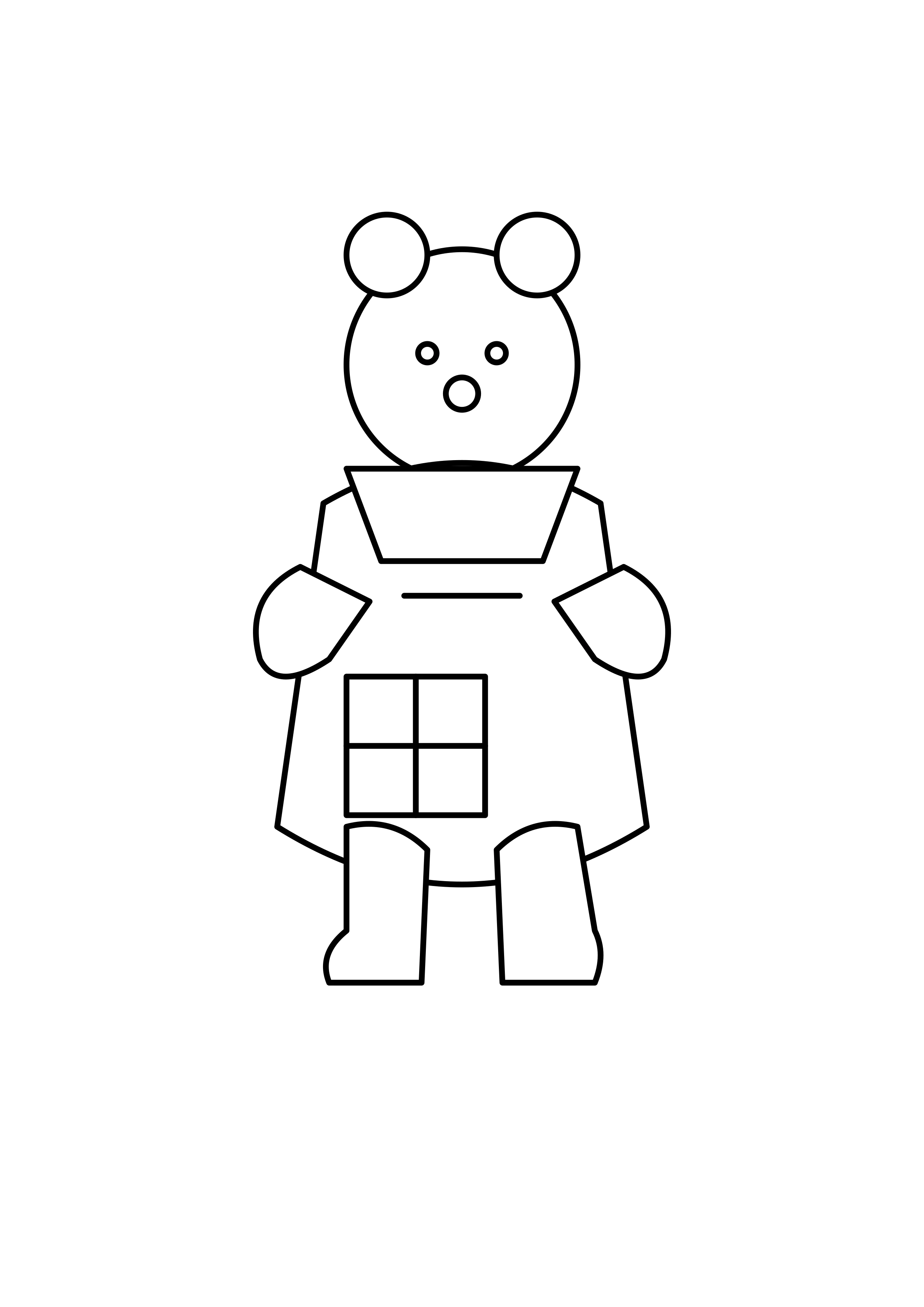
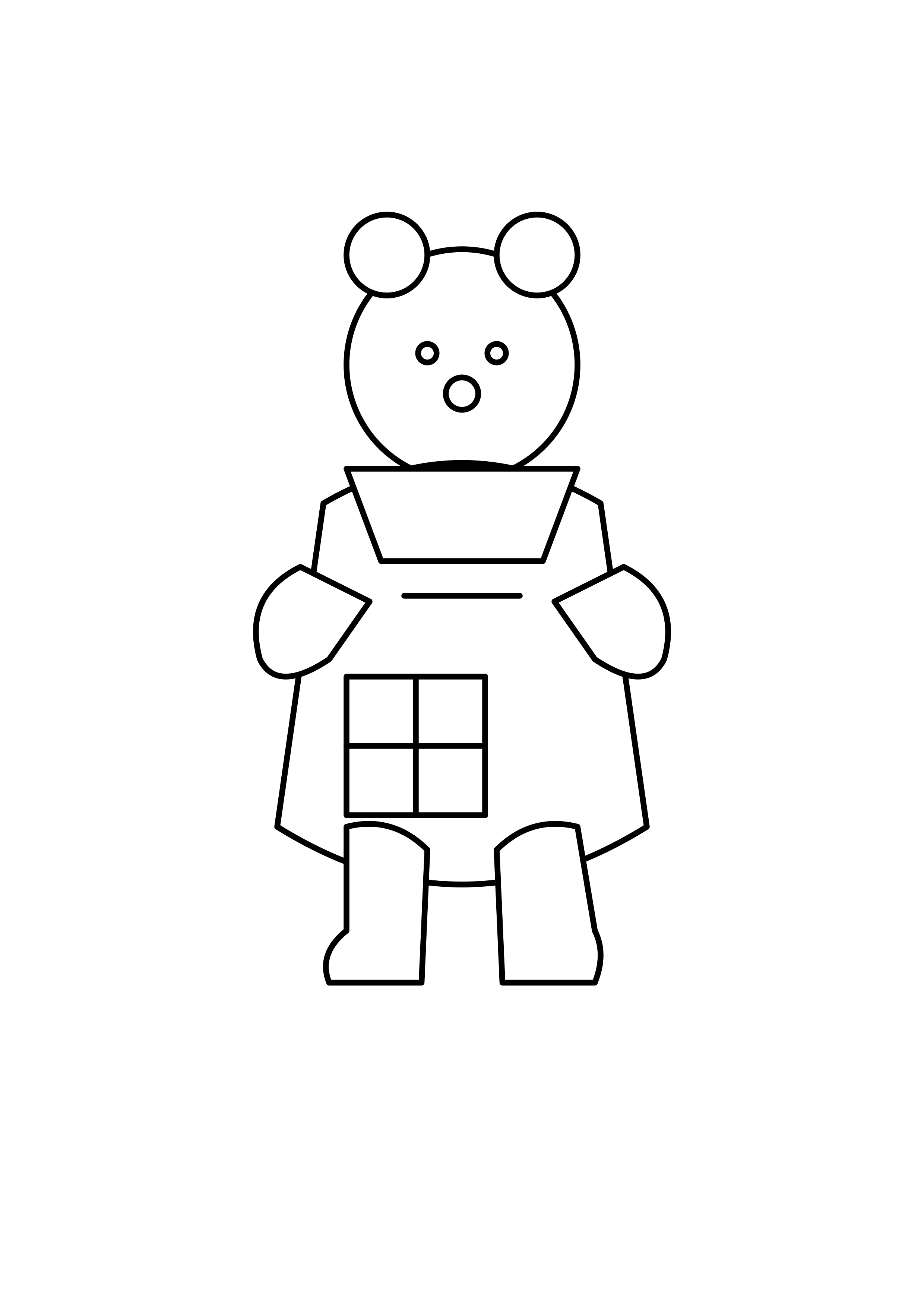
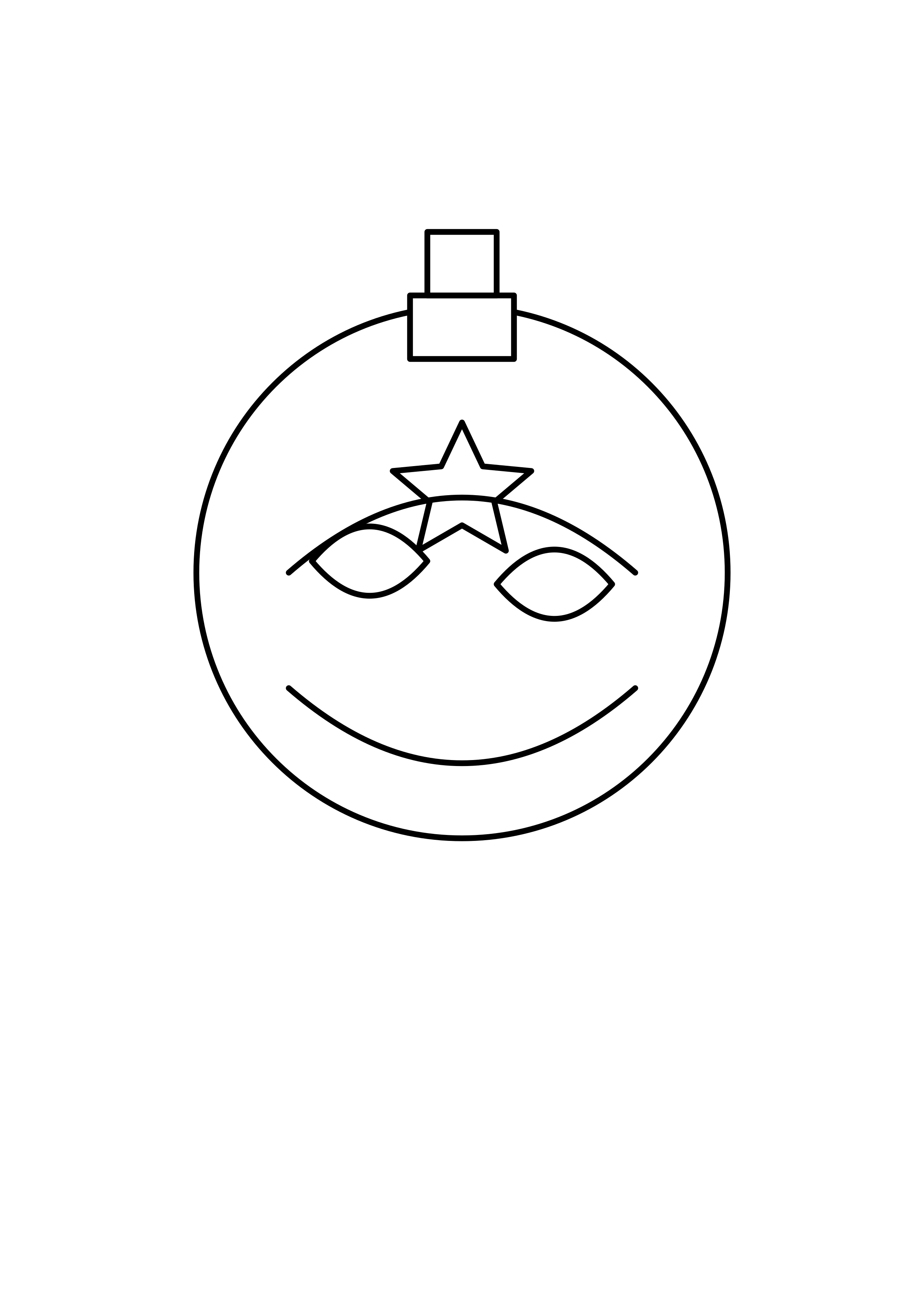
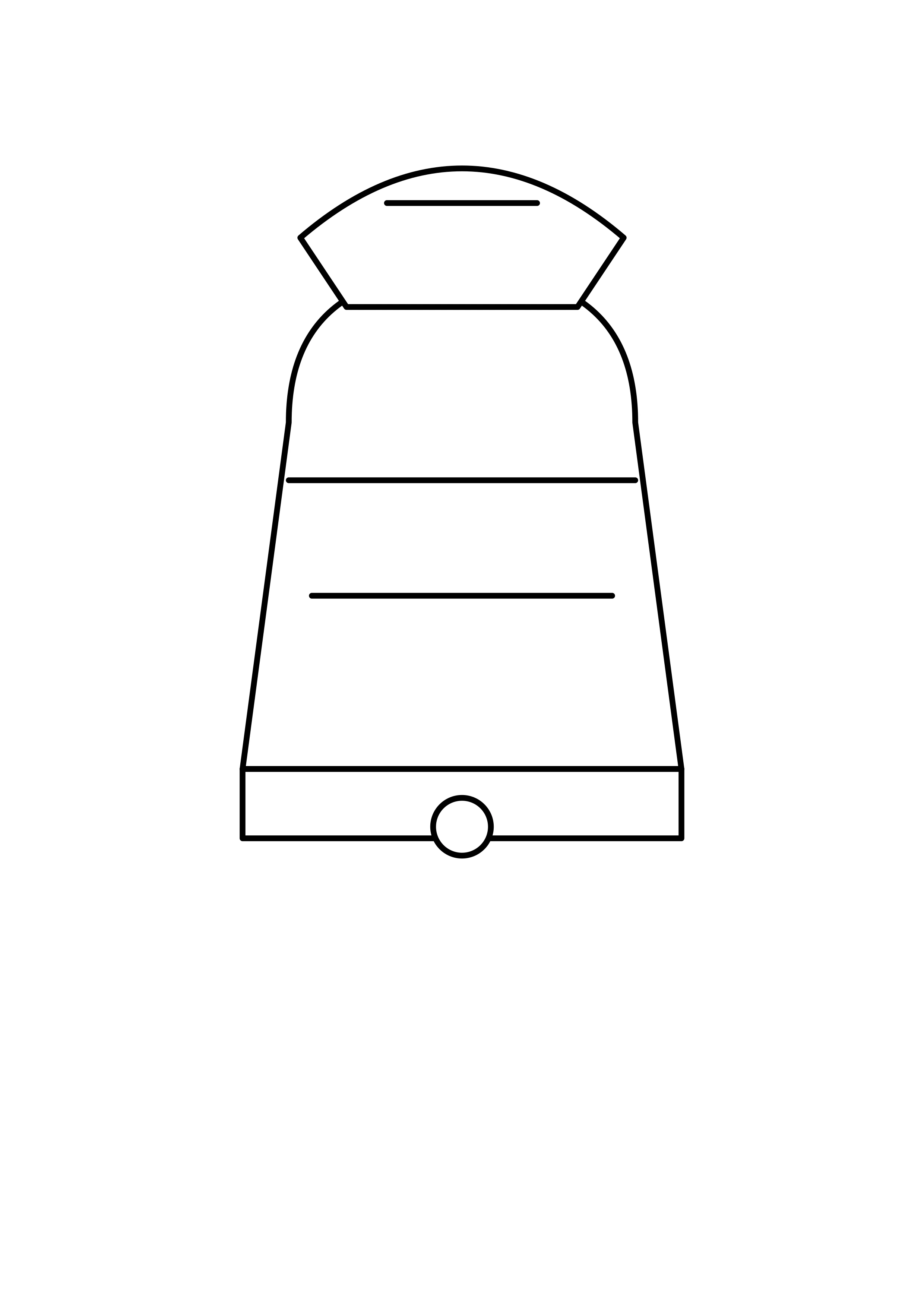
The collection includes friendly characters, decorations, and seasonal objects with enough white space for crayons, markers, or colored pencils. Suggested ages help you choose a page with the right amount of line detail. Santa, the elf, and the nutcracker use recognizable clothing and accessories; the snowman, tree, stocking, ornament, bell, and candy cane offer simpler silhouettes for patterns and broad color blocks.
Each page has a large original drawing, a short description of the visible shapes, and links to A4 PDF, US Letter PDF, PNG, and browser coloring. The online version fills the closed regions of the same illustration, so a child can test colors before printing. Use a bright palette for ornaments and gifts, cool shades for snow and the polar bear, or let children invent their own holiday combinations.
For a clean page, use the PDF download and check your printer preview before printing. The artwork has no watermark and is designed with margins so the main drawing stays inside the printable area. If you want to work without paper, choose Color Online, select a page, tap a closed region, and use Undo or Reset when experimenting.
Christmas coloring page questions
Are these Christmas coloring pages free?
Yes. The original pages are free to download for personal or classroom activities. Each detail page provides both A4 and US Letter PDFs plus a PNG, so you can choose the format that matches your printer or a local editing workflow. The browser coloring version is also available without an app or account. Check the print preview before using paper, because home printers differ in their printable margins and scaling behavior.
Can I color a Christmas page online?
Yes. Open any page in the browser coloring tool and tap enclosed regions to fill them. Choose a palette color first, then select the body, hat, ornament, scarf, or other closed shape. Undo removes the most recent fill and Reset clears the page. The work stays in the browser until you save a local PNG, and the page selector lets you switch to another illustration when you are ready.
Which paper sizes are supported?
Every page includes an A4 PDF and a US Letter PDF, plus a PNG for local editing. The A4 file suits 210 × 297 mm paper, while the Letter file suits 8.5 × 11 inch paper. Both PDFs place the 2480 × 3508 artwork inside print margins. Choose the matching paper size in your printer dialog and use Fit or Shrink to printable area if the preview shows a clipped edge.